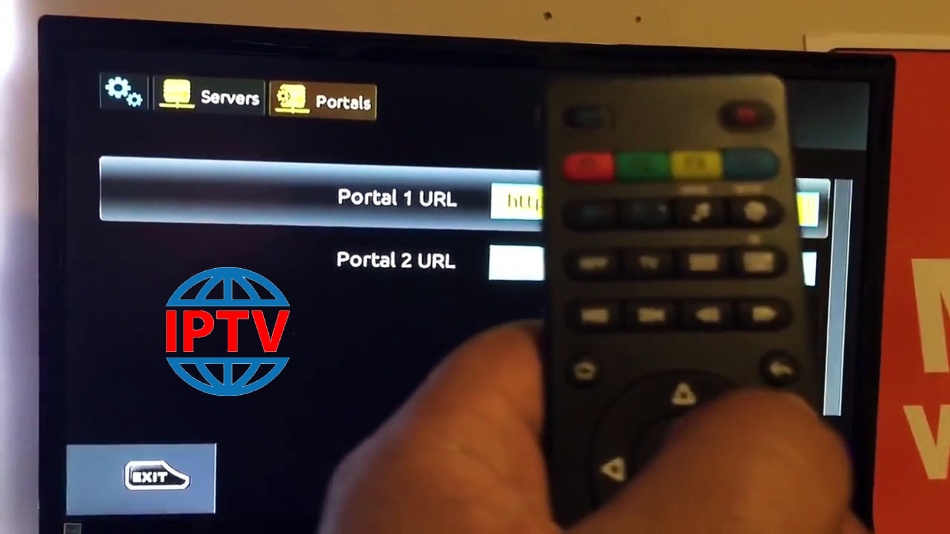
Sometimes you may require changing your portal address to another IPTV provider and the steps below will guide you through the entire process of changing your portal address on your MAG box. How to Change the Portal Address Turn off the box and remove its power line, then unplug the cable between the box and the router. Turn on the box without the cable to the modem.Wait until you see the “Loading Portal” on the screen.On the remote control press the “SET” button.Go to the Settings and press “OK“. Press…
How can I change the portal address in the MAG box?