By 2027 most people who search for an IPTV player for Apple TV already know the pattern. They own a 4K Apple TV, they have a source they trust, and they are tired of apps that either feel unfinished or quietly push their own channel packages. The search results are full of promises. Very few of them are clear about what is actually installable today.
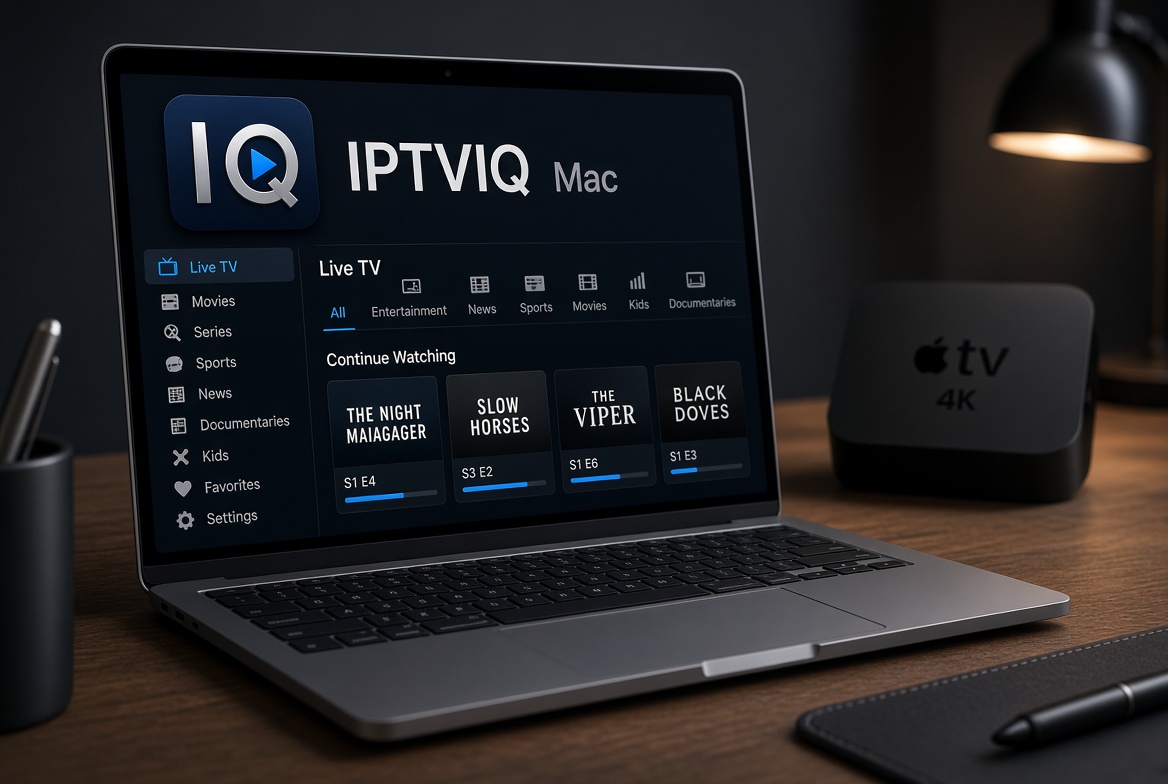
IPTVIQ is one of the clearer cases. It is a native player that is publicly available right now on macOS 14 and later. Apple TV is still listed as in testing. There is no public tvOS build, no release date, and no way to install it on an Apple TV today. The same underlying core is intended to reach tvOS later, but only the Mac version is shipping for users right now. That distinction is the whole point of this article.
What “Best for Apple TV in 2027” Actually Means
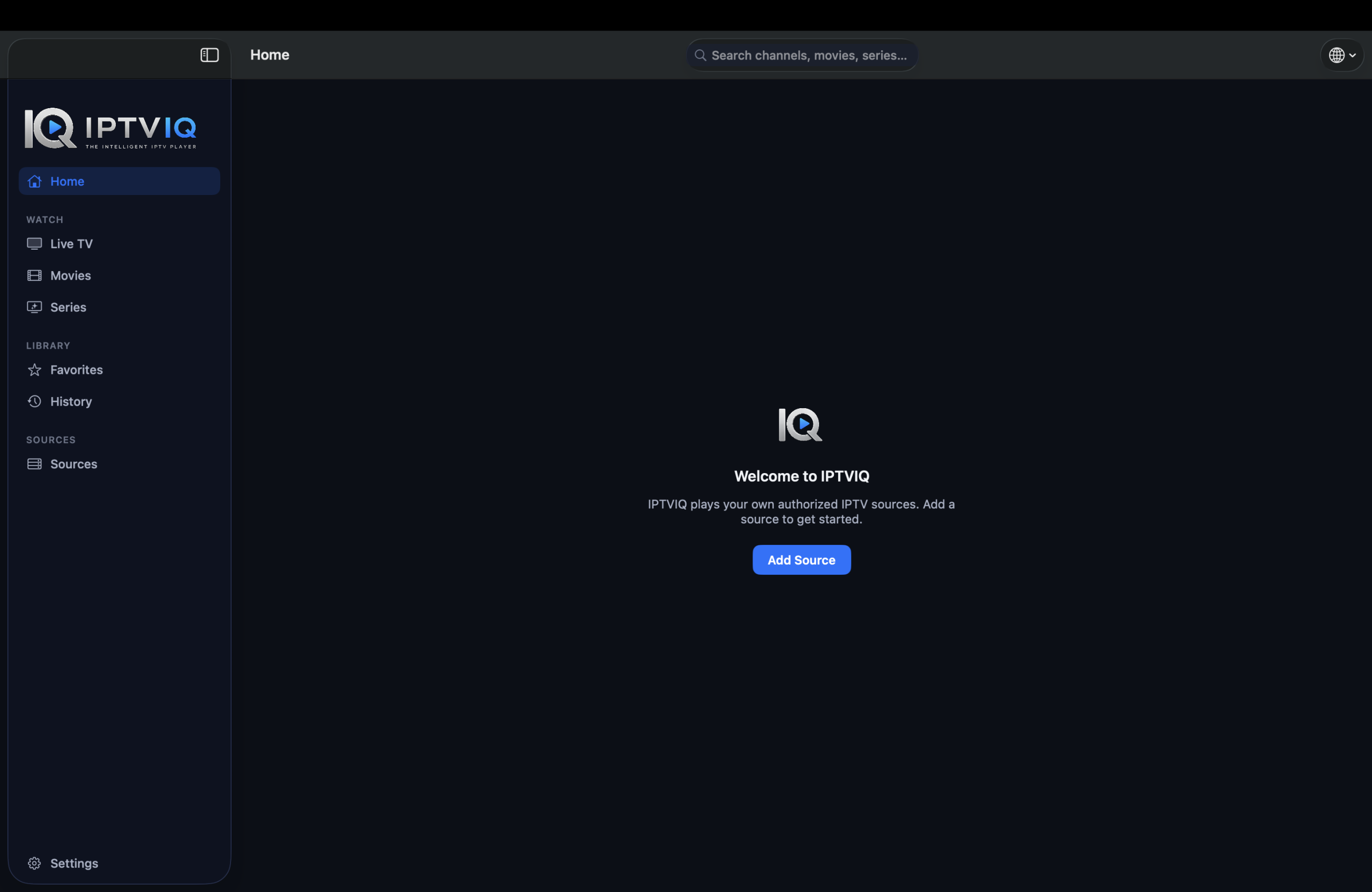
Most ranking articles treat every player the same. They list features as if they are already on tvOS. IPTVIQ is not on tvOS yet. If you need a player you can open on your Apple TV tonight, you have to use something else that is already released. If you primarily watch on a Mac and want a clean, organized interface that does not sell channels, the current version of IPTVIQ is usable today.

The free Mac listing means there is no charge for the basic player itself. It does not mean the streams are free. You still need an authorized source.
How the Current Mac Version Works
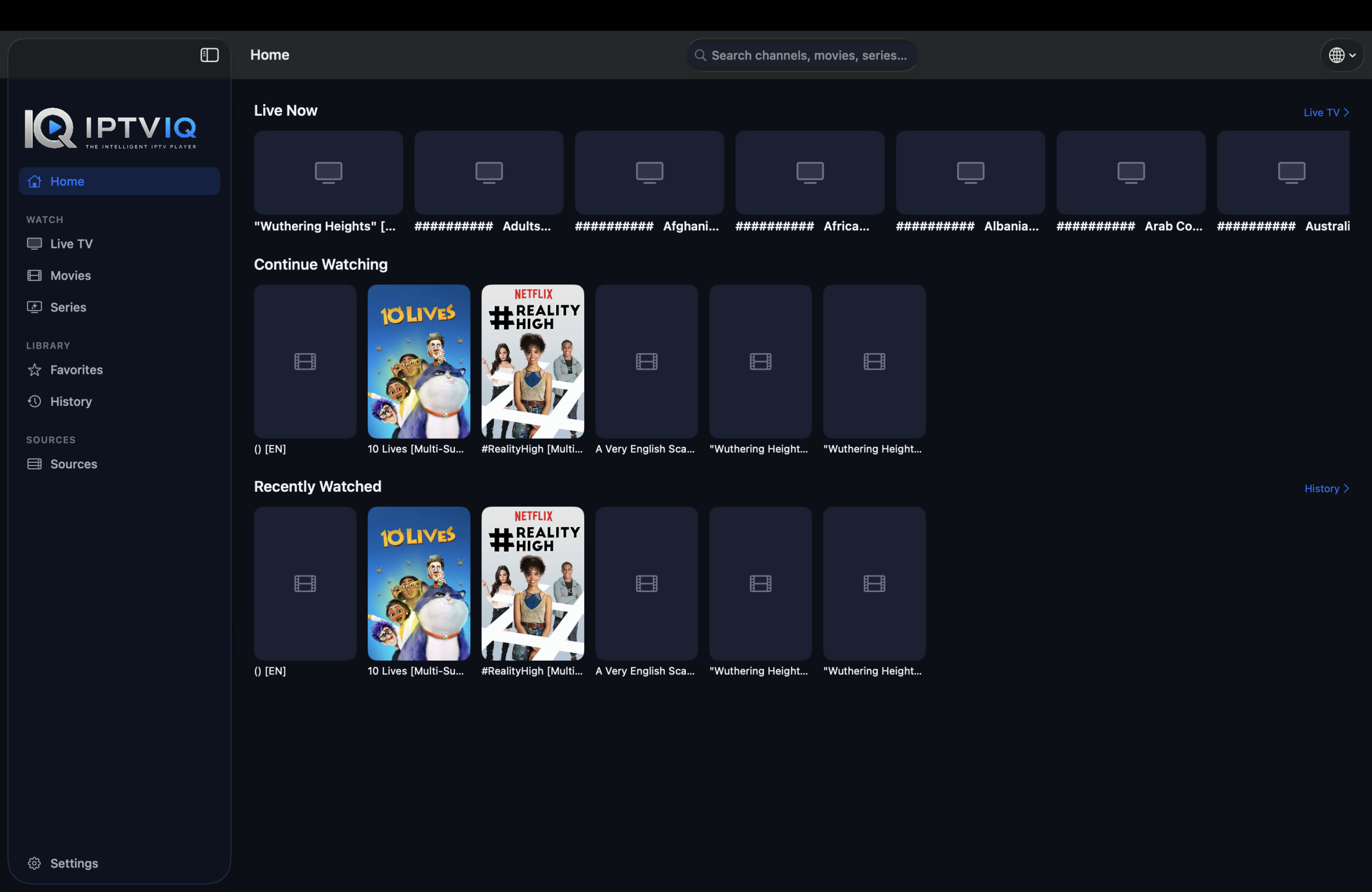
IPTVIQ accepts the sources most people already have: Xtream Codes accounts, remote or local M3U / M3U8 playlists, XMLTV guide files, and Stalker / MAG / Ministra portals. You can add more than one at the same time. Each source can use its own proxy setting (Direct, HTTP, HTTPS, or SOCKS5) for both the connection and the media traffic. Once imported, Live TV, Movies, and Series appear as separate, browsable sections instead of one flat list.
Global search works across the whole catalog. Continue Watching remembers where you left off. Favorites and history stay tied to the profile you are using. A mini-EPG overlay appears during live playback so you can check Now and Next without leaving the stream. Numeric channel entry and Recall for the last channel are available. Two streams can play side by side. Smart Recovery reconnects after brief connection drops. Manual DVR lets you record an authorized live stream to a folder you choose on your Mac. Kids profiles enforce approved-content rules across Home, Search, Guide, and playback.
None of these features invent content. If your source does not supply a channel or accurate guide data, the player cannot create it. Playback stays direct from your provider to the Mac.
Why the Apple TV Version Is Still Listed as Testing
Apple TV is in testing. That is the current status. No public build is available. No date has been announced. The longer roadmap also includes iOS, iPadOS, Windows, Android, and Android TV, plus Cloud Sync of user state (favorites, resume positions, profiles, and Kids rules). Cloud Sync would only move settings and library state; video would still come directly from your provider. Scheduled or EPG-triggered recording is also planned and not available yet.
Until a public tvOS release appears, any article that presents IPTVIQ as an Apple TV player is inaccurate.
What Separates a Usable Player from a Basic One
A basic player opens an M3U and plays the streams. Once the list grows past a few hundred channels, scrolling becomes slow, search is missing, and progress is forgotten. IPTVIQ parses the data and presents it as a library. On a shared Mac the profile system keeps one person’s history from mixing with another’s. The Kids restriction is applied everywhere in the app, not just on one screen. These details matter more once you have used a flat playlist player for a few weeks.
Comparison of Status and Capability
| Capability | IPTVIQ on macOS Today | Apple TV / tvOS Status | Other Platforms |
|---|---|---|---|
| Public availability | Yes | In testing | Planned |
| Organized Live + Movies + Series | Yes | Not released | Planned |
| Mini-EPG / Now Next | Yes | Not released | Planned |
| Multiview | Yes | Not released | Planned |
| Manual local DVR | Yes | Not released | Planned |
| Profiles + Kids rules | Yes | Not released | Planned |
| Multiple sources + per-source proxy | Yes | Not released | Planned |
| Cloud Sync of user state | Not yet | Not yet | Planned |
Who Should Use the Current Version
Use the macOS app if you already have a source and you watch primarily on a Mac. Do not treat it as a solution if you specifically need something on Apple TV today. The gap between “available on Mac” and “still testing on Apple TV” is deliberate. It keeps the public version focused on the platform that is actually shipping.
Setup for the Available Version
- Download IPTVIQ from the Mac App Store.
- Add the Xtream, M3U, XMLTV, or Stalker source you already use.
- Create profiles if more than one person watches.
- Use the organized library, mini-EPG, and Continue Watching on macOS.
Disclaimer
IPTVIQ does not host, sell, or supply any content. Use only sources you are authorized to access. Recording is for personal time-shifting. Guide accuracy and catch-up availability depend entirely on the provider. Apple TV remains in testing. Do not expect a public tvOS app until it is released.
The useful question in 2027 is not which player claims the most features. It is which player is actually available on the device you use and which one is still in testing. IPTVIQ is available on macOS today. Its Apple TV version is not. Your source stays yours; the current player simply organizes and plays it on a Mac while other platforms remain on the roadmap.