Blog

Smart IPTV App , Common Install, & Setup Problems
As with most things in life, sometimes downloading, installing, or updating won’t go as planned. Some users may encounter various issues. Here are the most common challenges along with my quick-fix suggestions and solutions. “Smart IPTV isn’t in the App Store” The first thing to check is if your device is compatible with the service. There are a couple of workarounds if you find it to be compatible but still find it missing from the app store. Note that some app stores have removed this video software from their offerings…

How to setup IPTV on SS IPTV?

SS IPTV is a free multi-purpose player for streaming media in the local network or through the internet. The app is compatible with the services of hundreds of IPTV operators. User’s own IPTV playlists are also supported. How to watch IPTV on Smart TV? This app is available for streaming IPTV channels on LG, Samsung, Philips, and Sony TV sets, the installation methods are described below. What is Internet streaming? LG: SS IPTV may be installed from official LG Smart World on this platform, in any country. Samsung: The app works on D-series…

Channels do not work in Smart TV after uploading playlist

First, we need to learn that IPTV devices do not play the stream automatically. Firstly, make sure you have uploaded the M3U playlist correctly. Then, verify the proper function of the app installed on your TV. For instance, if you use the SIPTV, you have to add the M3U line and MAC address of the TV in order to activate the app. Please follow the instructions at How to setup IPTV on Smart TV. Troubleshooting  Sometimes users encounter issues where the SIPTV app no longer display the channels or stays on…

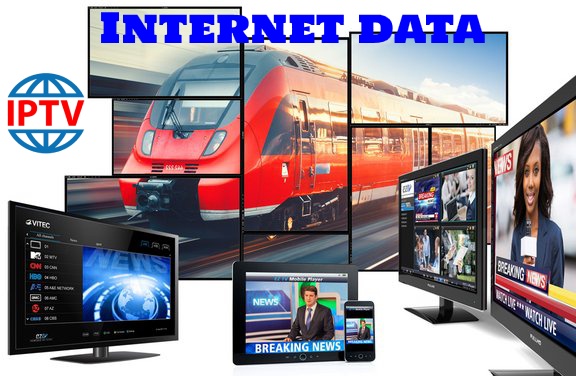
How much Internet data do I need to run IPTV?

Although it depends on the quality of channels, watching IPTV for one hour is roughly equal to download a video file with one hour of length. Assuming the size of one hour video varies between 500 to 800MB, this will give you an estimate of how much Internet data is needed for watching IPTV. Accordingly, if you plan to watch IPTV two hours a day, you will need at least 30GB of data traffic per month.

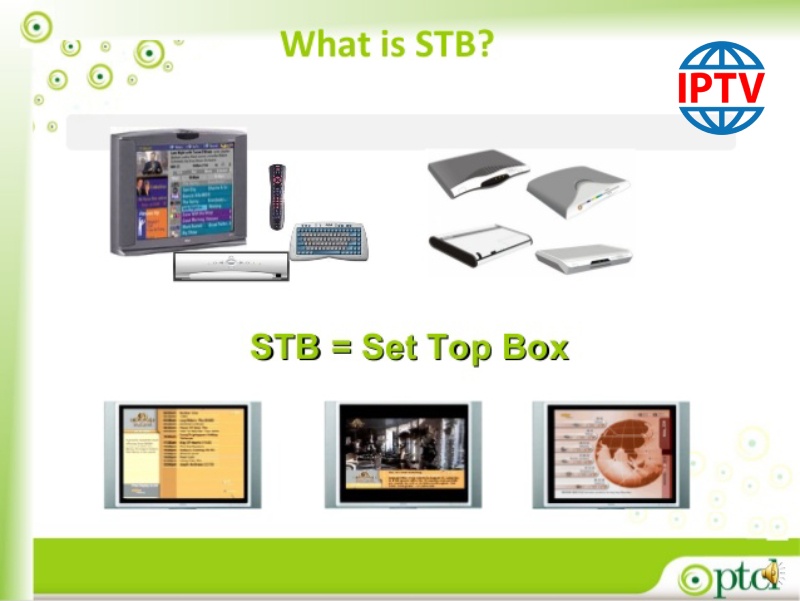
What is STB?

Table of Contents What is a setup box? Android setup boxes iOS setup boxes MAG setup boxes Enigma2 setup boxes STB stands for Set-up Box is a device that turns the input signals to the one that can be displayed on a TV screen or other devices. STB also called Set-up Unit (STU) are common tools to watch IPTV, cable TV, and satellite TV. What is a setup box? A set-top box is a hardware device that enables a digital signal to be obtained, decoded and displayed on a television.…

MyIPTV Player on Windows Phone, Windows10, and Xbox One

This is an exceptional media player with EPG to play your IPTV channels on your Windows Phone, Windwos10, and Xbox One. You can simply load your M3U playlist from storage or remote source and you are good to go. What is M3U? You can download this app via the link below: https://www.microsoft.com/en-us/p/myiptv-player/9pjj2nmbf0tr MyIPTV Player App features HTTP Live Streaming (HLS) and MPEG TS supported Channels are automatically grouped based on channel data EPG support built-in – Recording option for channels Favorites management built-in Multiple channel playlist supported Download video on demand (VOD) streams Download center and history for VOD…

How to change DNS on different IPTV devices

Table of Contents How to change DNS on a Samsung Smart TV How to change DNS on a LG Smart TV How to change DNS on a Sony Smart TV How to change DNS on a Apple TV device How to change DNS on a iPhone How to change DNS on a iPad How to change DNS on a Android device How to change DNS on a MAG device In this tutorial, we are going to show you how to change the DNS on your IPTV devices such as MAG, different Smart…

How can I watch IPTV on PC (Windows, Mac and Linux)?

IPTV is a flexible service which can be watched on a variety of devices. One the simplest way is to watch IPTV on personal computers or laptops. There are many free software and apps which can be used to play IPTV on your MicrosoftWindows, Linux or Macintosh-based OS such as VLC and KODI media players. VLC on PC and Mac PC users can choose from several free options including Windows Media Player, QuickTime, Winamp, and VLC Media Player.  First, download and install the VLC media player. After opening the VLC, at the very top of the program, click on “Media” and…

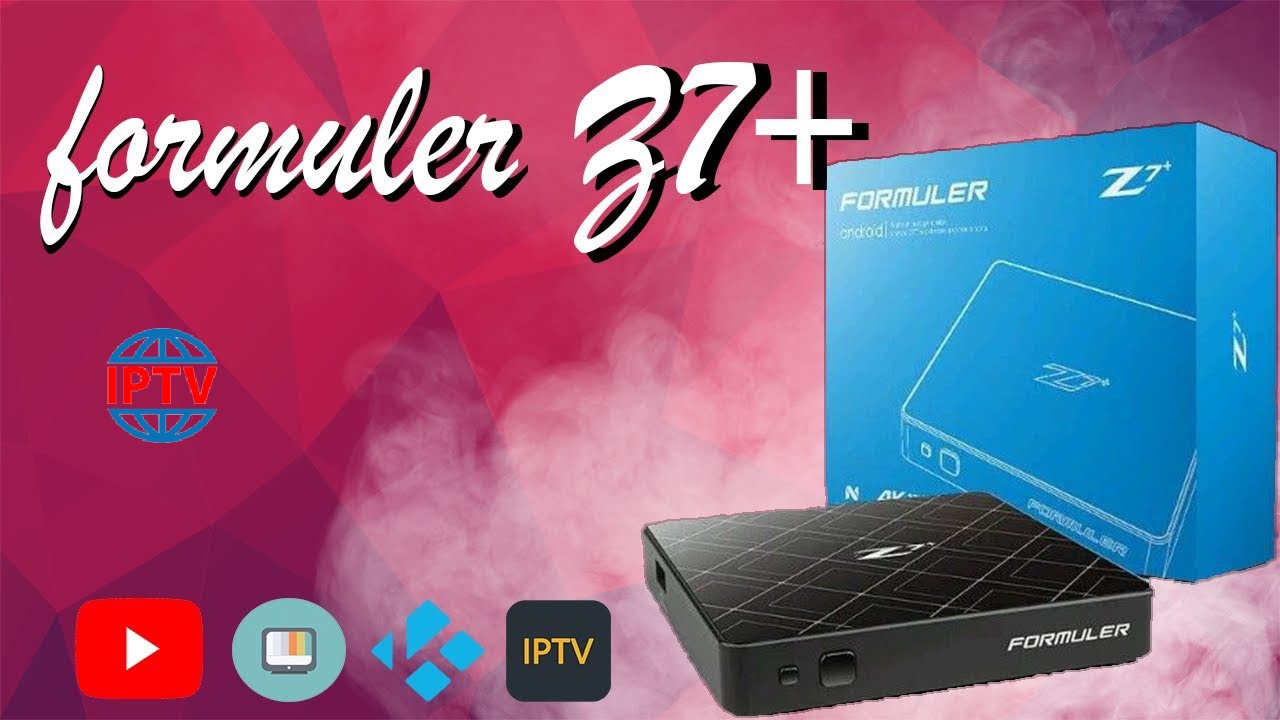
How to setup IPTV on Formuler boxes One using MyTV Online app?

1) Connect all cables and start your Formuler. Set all basic settings that follow, time, date, etc. 2) Make sure you have the latest software in the box! On the start page there is a gear on the right. If there is a red mark on this then there is also an update so go to the gear and click there. Follow the instructions for updating.3) Launch the MyTV Online app. You now see the opportunity to “Edit Portal”! We should do just that!4) Only the 2 top rows should…

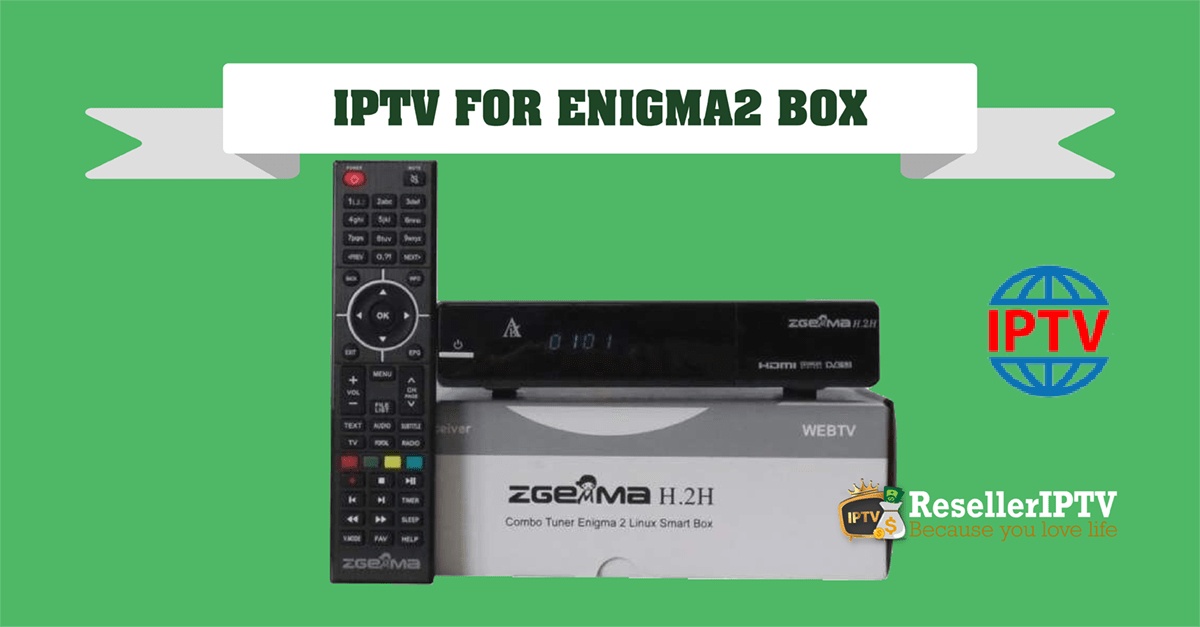
How To Install ( IPTV.SH ) On ENIGMA 2

This is instruction For Enigma 2/ Linux installation, you need install putty to use it: 1- Go to your Enigma2 and get your IP address 2 –Go to SettingsSetupSysteemNetworkDevice SetupAdapter Settings 3- And get your IP address it starts with 192.168…. 4 – Go to you windows PC and download Putty Putty download url https://the.earth.li/~sgtatham/putty/latest/x86/putty.exe 5- Open Putty add follow this staps add your IP address of your Enigma ( Same IP as stap 3 )Port 23Connection type TelenetClick on open 6 – Your default login and password are root…