How to setup IPTV on Android and smart TV using IPTV Smarters?
IPTV Smarters

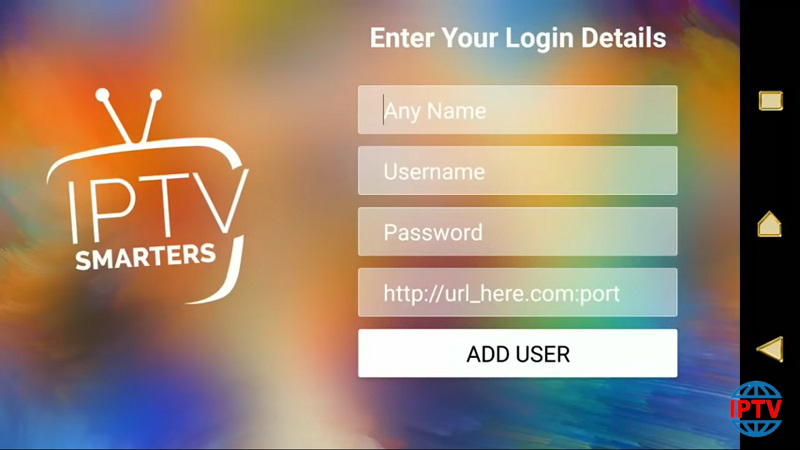
The M3U list is a text file format which contains information regarding the channel list such as the name of the channels, the URL of the channel source and channel reference number divided to different groups of countries for the ease of access. M3U is the most used format for all IPTV devices. Some applications like “IPTV Smarter” and “GSE Xtream-Codes API” in the setting ask for “Server Address” ,  “Username” and “Password” .How to setup IPTV Smarters?How to setup GSE with Xtream-Codes API? How to find Server Address in a M3U url Finding these…

How to setup IPTV in GSE IPTV App using Xtream-Codes API?

In this tutorial, we are going to show you how to bring IPTV channels to your GSE IPTV App. GSE SMART IPTV is a comprehensive user-defined Advanced IPTV solutions for live and non-liveTV stream. With a built-in strong player that supports most formats including M3U with options. We will set IPTV in GSE App using Xtream-Codes API here, also there is another way to set IPTV in GSE App.Setup IPTV in GSE IPTV App using Remote Playlists The Advantages of using Xtream-Codes API to setup GSE App: By using Xtream-Codes API you can add EPG information easily, No need…

How to find Server Address in M3U Url?

The M3U list is a text file format which contains information regarding the channel list such as the name of the channels, the URL of the channel source and channel reference number divided to different groups of countries for the ease of access. M3U is the most used format for all IPTV devices. Some applications like “IPTV Smarter” and “GSE Xtream-Codes API” in the setting ask for “Server Address” ,  “Username” and “Password” .How to setup IPTV Smarters?How to setup GSE with Xtream-Codes API? How to find Server Address in a M3U url Finding these…

What are Bouquets?

When the channels list is divided into particular groups such as movies, sports, documentaries and etc. it is called Bouquets. This feature facilitates the process of channel finding. How to edit IPTV Bouquets In order to edit your M3U playlists, you must first download the M3U file on your computer and then open it with Notepad and start deleting the unwanted channels. After deleting the undesired channels, click on exit and save the changes. Now you can upload this edited playlist to your IPTV device and your new playlists will be placed.

How to change audio channels on VLC?

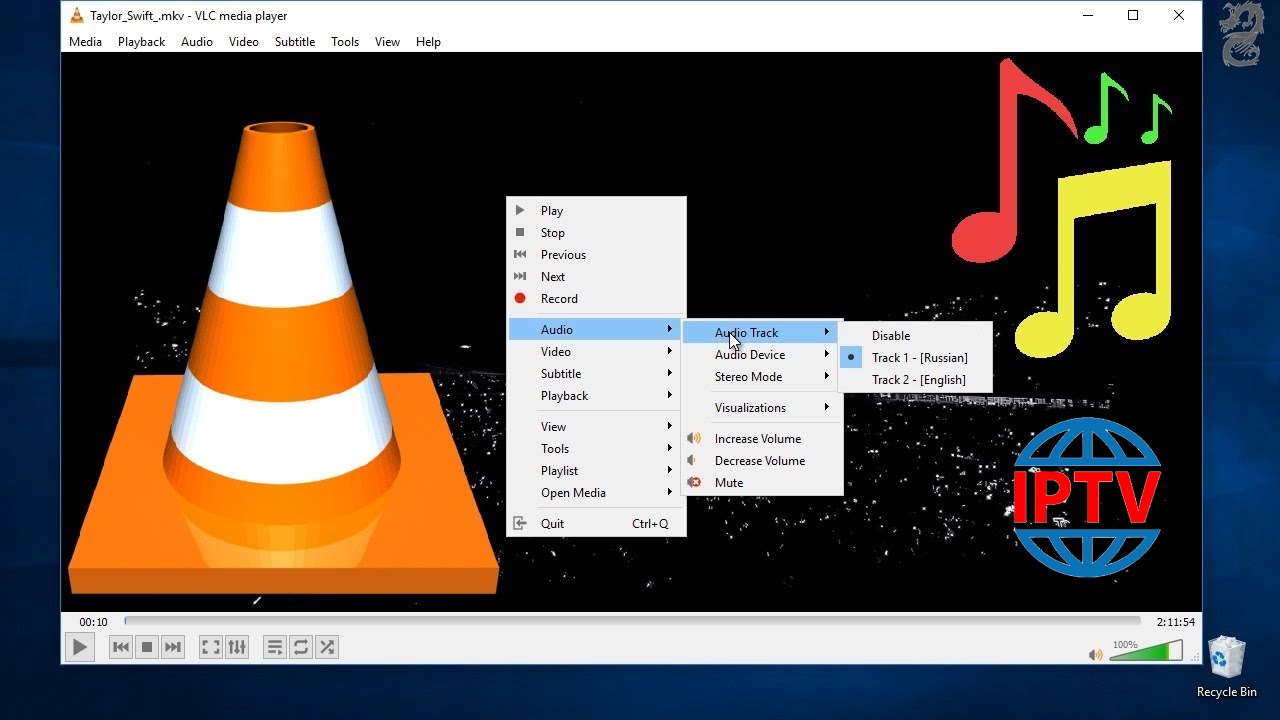
Sometimes the channels you watch on VLC media player has multiple audio channels. For example, all Nordic channels have multiple audio languages and you can select any language from the list. How to watch IPTV on VLC. How to change audio channel In order to change the audio channel, you must “Right click” on the middle of the screen and select “Audio”  and then “Audio Track” as depicted in the above picture. Here you can select the language you want and the audio channel will change.

All Mag Box Issue Fixed!

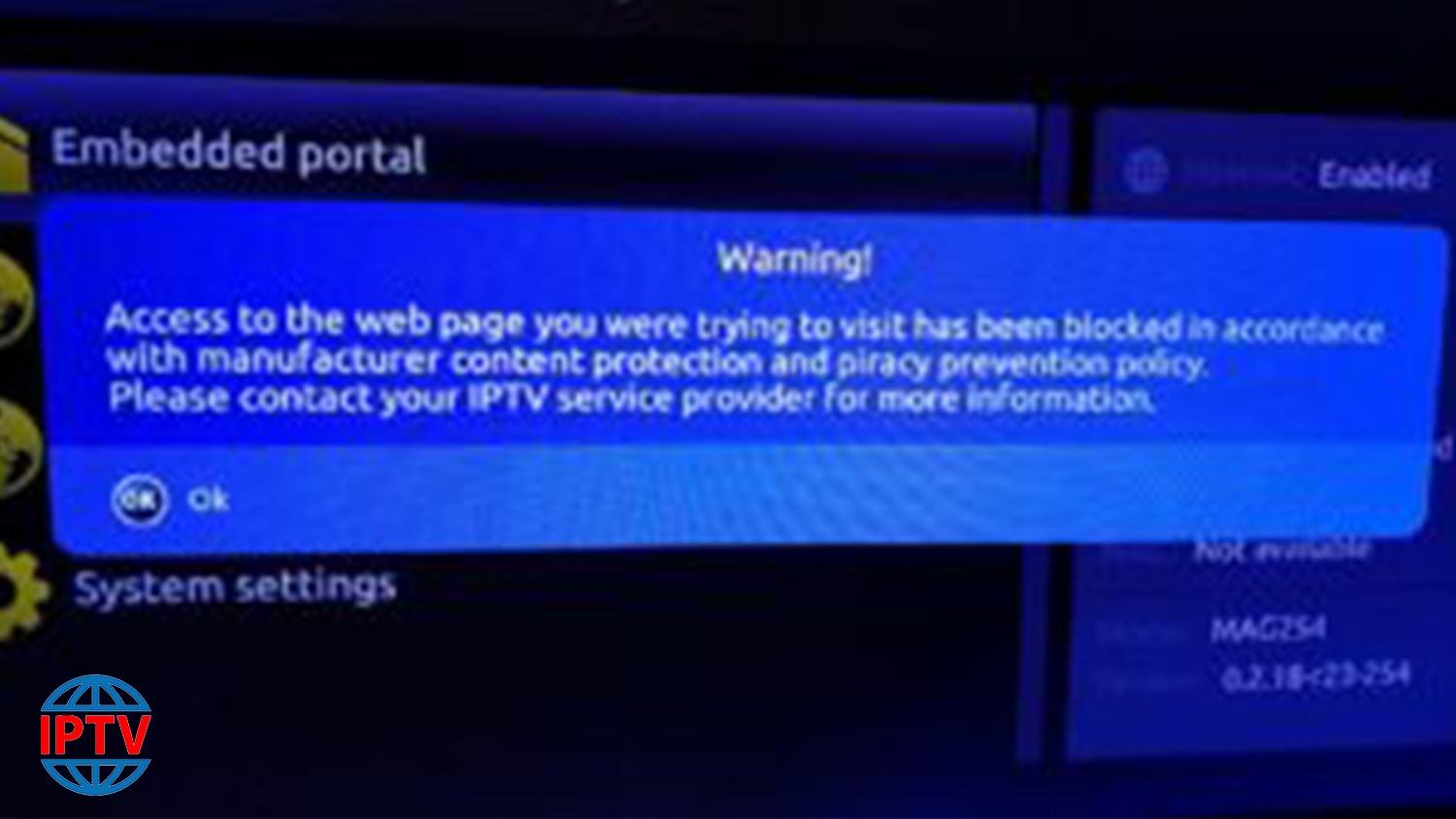
{FIX} BLOCKED FOR COPYRIGHT REASONS WARNING

Please be aware that these are “custom” images. They are provided to enable Gen customers to circumvent the block placed by Infomir on Mags which have the latest updates. Once correctly installed you will be able to view content from Gen. You will not be able to edit portals. Appearance of interface will be different from what you are used to, but will work.I strongly suggest that before you install custom image, that you add two extra portals – these do not need to work or need to be used…

How to setup IPTV on MAG 420 with M3U url?

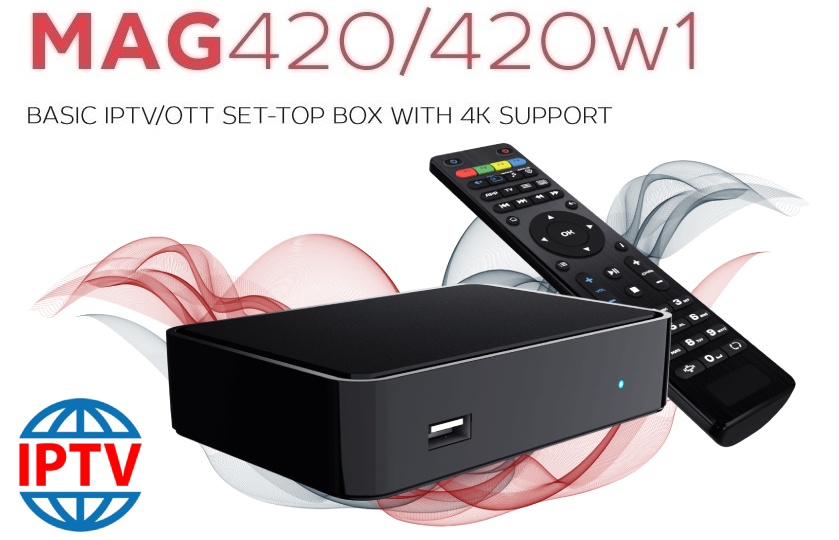
Overview of MAG 420 MAG boxes are some of the most powerful streaming media players and MAG 420 is one of the latest models. The MAG420 easily handles 4K video and also support HEVC codec. For the sound system you have Dolby Digital technology. Note: Most of the IPTV providers do not support MAG 420 with portal system and this setup is the alternative solution to bring IPTV to your MAG 420 box. How to use M3U url to setup IPTV MAG 420 Step 1: Download the M3U url which provided by the IPTV provider.…

How to setup IPTV on TVIP Box?

The TVIP Box console meets all modern requirements a multimedia device, including the support of streaming media, video on demand (VOD), playback of digital channels in a high quality, as well as access to the OTT content (youtube, Picasa, online entertainment, weather forecast, social networking, and others) and even includes a Web browser. What is internet streaming? TVIP is very similar to the MAG boxes and somehow emulates the MAG box embedded software. What is MAG? Features of TVIP Box Under the operation of the middle product TVIP Under operation…

Do I need satellite for using IPTV?

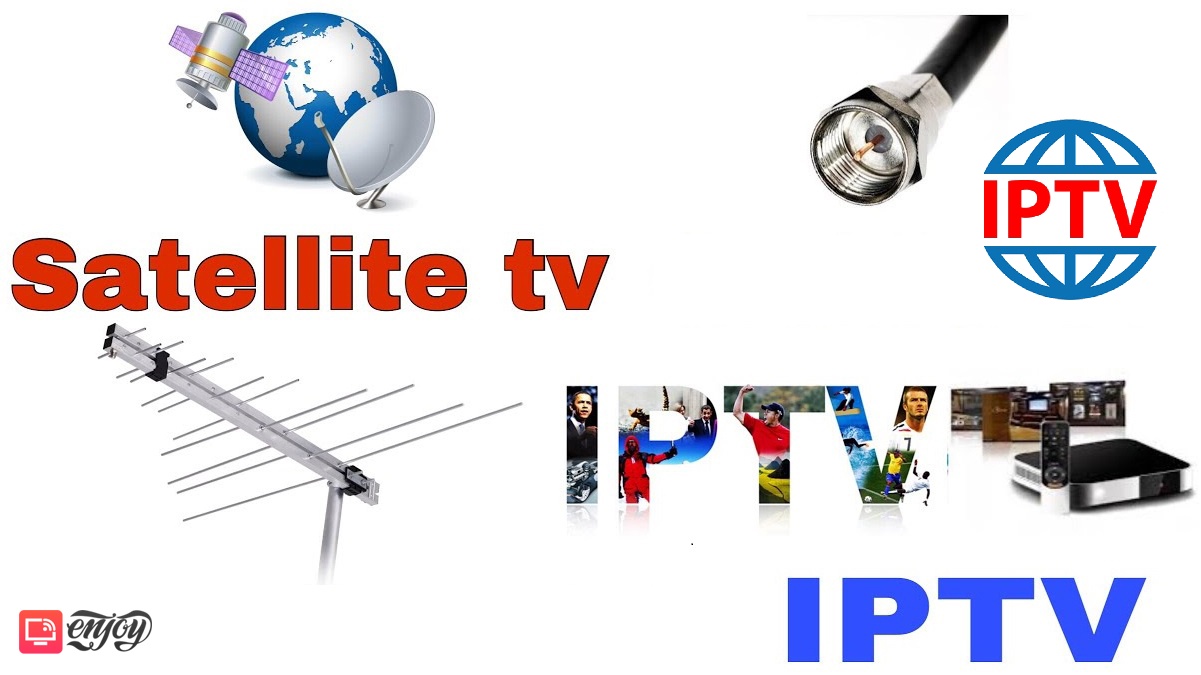
IPTV can be played by connecting your device to the Internet, therefore it does not need for satellite, receiver or any kind of antenna. What is IPTV? Satellite TV TV services broadcast programs to an uplink equipment for broadcasting signals through an uplink satellite dish. Then the signals go up to space radio station or so-called DVB satellite and re-transmitted back down the earth. Aa antenna picks up the signal and transmits it to satellite set-up box which is connected to our TV. IPTV As its name suggests, IPTV channels are broadcasted through the…

What is OTT TV?

OTT stands for Over-The-Top content, refers to multimedia streamingand broadcasting through the Internet without the need of satellite, cable TVs or other media transmitters. Therefore, OTT contents can be obtained by connecting your device to the Internet. Which devices support OTT Devices that support this feature can vary in a wide range of smartphones and smart TVs to personal computers, streaming media players, and even the major video game consoles such as PS4 and Xbox One can support this feature.